Room to open doors, drawers and sofa beds
A piece can fit its spot and still not open there. Scooch draws the floor each cupboard door, drawer and fold-out bed needs, and turns it red when something stands in it.
 Scooch is an iPhone and iPad appPoint your iPhone camera at the code to install it.
or text me the link
What it does
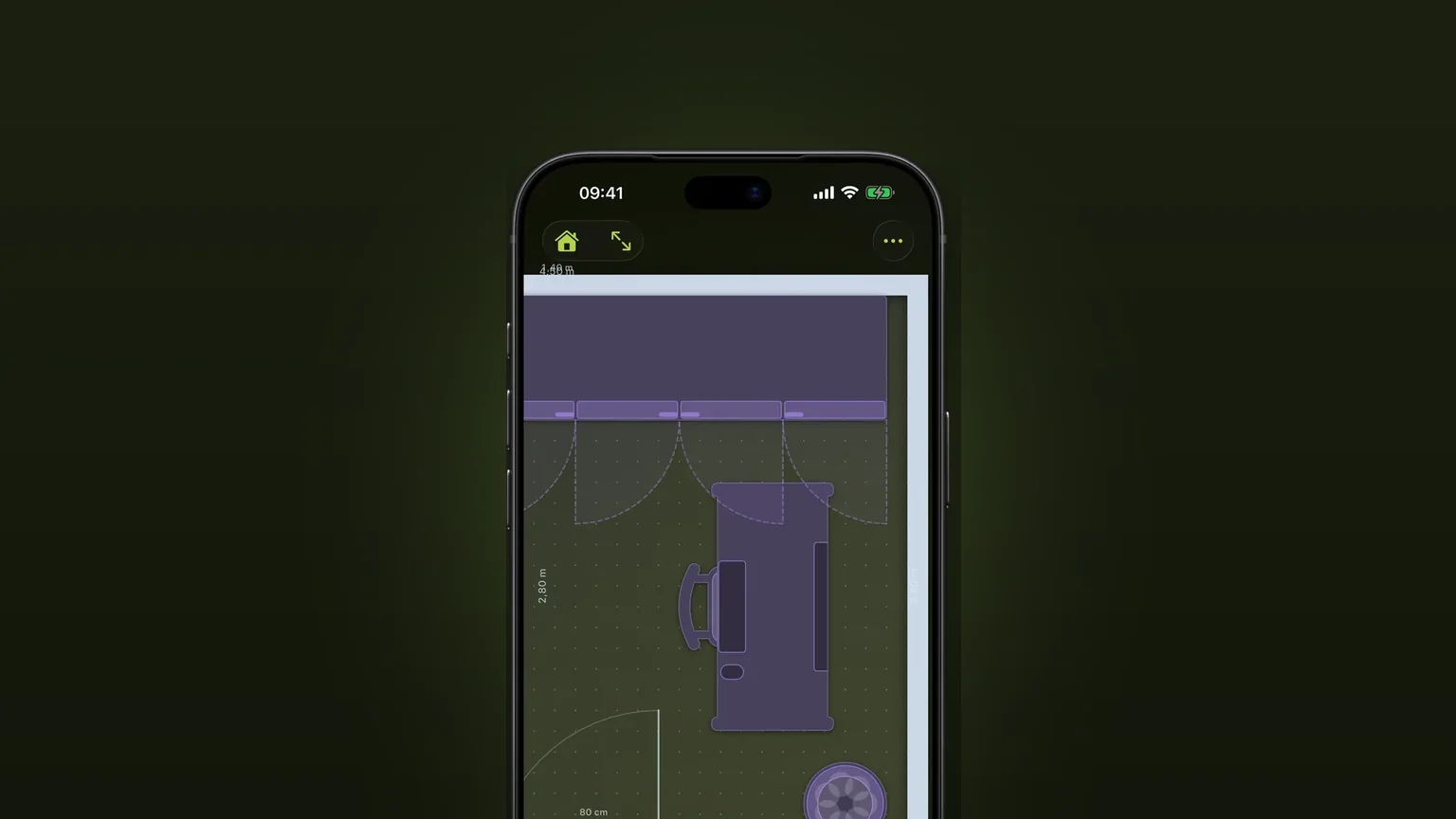
Scooch draws a dashed, shaded shape around a piece for the floor it needs to open: a quarter circle for each door, a box for each drawer, a block for a sofa bed unfolded. The shapes move with the piece. If another piece stands in a door or drawer shape, both turn red, the same way a clash does.
A sketch in Notes or on a Freeform board does not know sizes. Apple's own page for Freeform covers adding shapes, lines and arrows, which is enough for a rough drawing but not for a drawing where a 60 cm fridge door sweeps 60 cm. In Scooch the shapes come from the real width and depth of the piece, so they stay true when you resize it.
How it works
- Tap the ellipsis button at the top right to open the More menu and check that Clearances is switched on. It starts on.
- Tap the sofa button in the bottom toolbar and add a wardrobe, a chest of drawers, a fridge or a sofa to the room.
- Look at the dashed shapes around it. A wardrobe shows one quarter circle per door. A sofa shows nothing yet.
- Drag the piece. The shapes travel with it, and anything standing in one turns red.
- Tap the piece to select it. The panel at the bottom has the settings in the next section: Doors or Drawers, Pull-out, and Sofa bed.
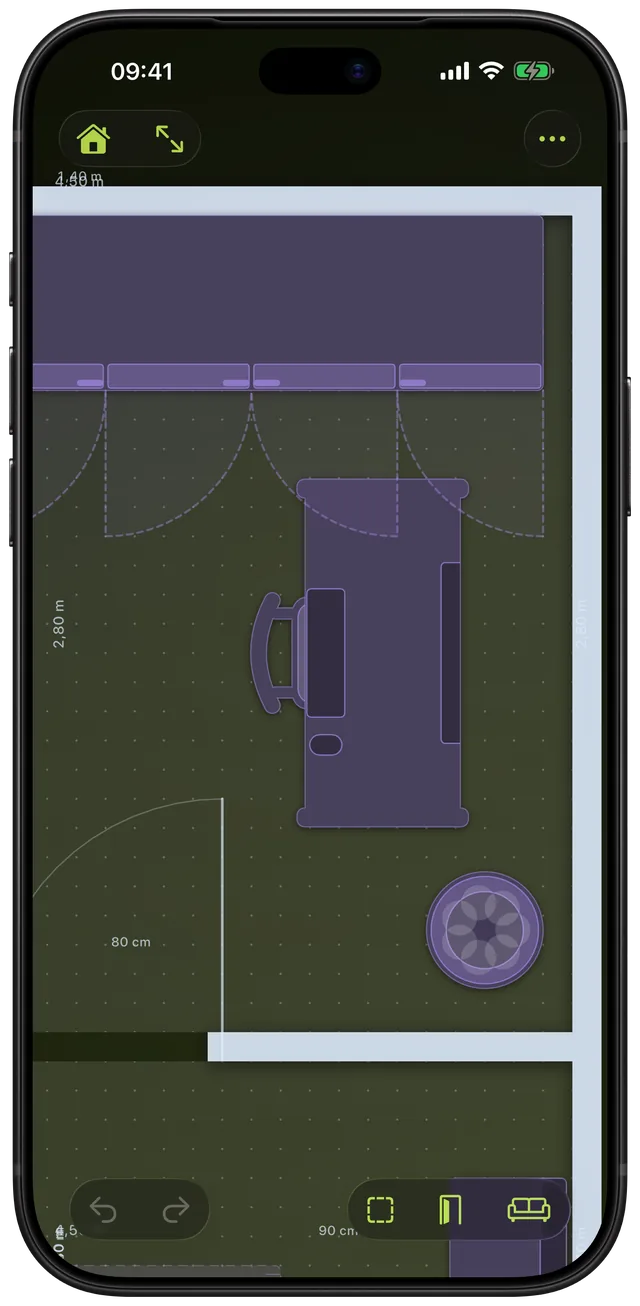
If the shapes are missing, zoom in. They are drawn once a piece is wider than about 24 points on screen, so a fully zoomed-out plan stays readable.
Options
| Piece | What is drawn | What you can set |
|---|---|---|
| Wardrobe, Kitchen counter | A quarter-circle swing per door | Doors: Auto, None, 1 to 4 |
| Fridge | A swing per door | Doors: Auto, 1 to 4 |
| Dishwasher | One swing across its width | Nothing |
| Chest of drawers, Nightstand, Filing cabinet | A pull-out box per drawer column | Drawers: Auto, None, 1 to 4, and Pull-out |
| Bed | Drawer boxes at the sides or the foot | Drawers: None, Both sides, Left, Right, Foot end, and Pull-out |
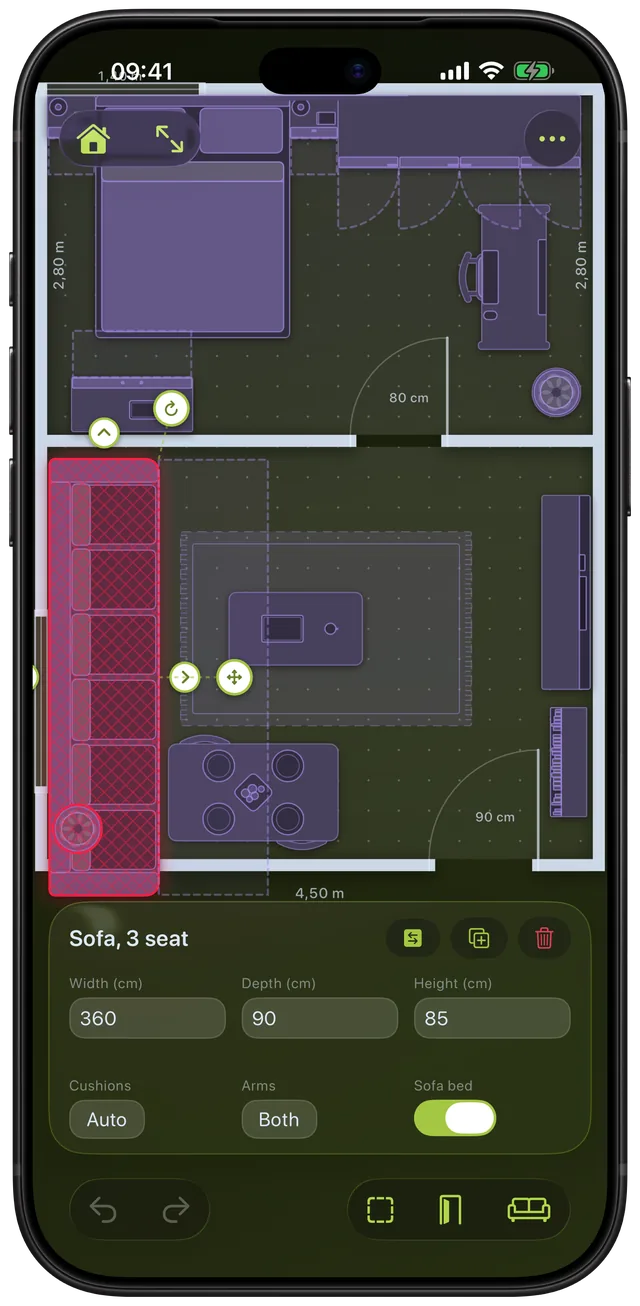
| Sofa, Armchair, Corner sofa | The unfolded sofa bed | Sofa bed switch |
- Pull-out: how far the drawers slide out. It starts at 85 percent of a cabinet's depth, or 50 cm under a bed. Type your own number, at least 5 cm and at most the cabinet's depth (a bed's width). Leave it empty to go back to the default. In imperial, type inches.
- Doors and drawers set to None: nothing swings or pulls out, which suits open shelving or sliding doors.
- Sofa bed: opened out, it needs twice its depth, so the shape is one more depth beyond the front. A corner sofa's bed fills the empty corner of its L, from the main run's front to the end of the side piece.
- Clearances switch: turns the dashed shapes on or off for the whole plan. With it off, a door or drawer that is blocked still draws, in red, so you can see why a piece is flagged.
A bed's drawers skip the head third of its sides, where the nightstands stand, so they do not flag every bedside table. A stove, a table or a sink has no front, so nothing is drawn for it.
When to use it
Choosing a sofa bed for the living room
Switch on Sofa bed and see how far the bed reaches into the room. If the coffee table sits in the dashed area, you know you move it each time the bed goes out. For sizes before you buy, see the standard sofa dimensions.
Putting a wardrobe in a bedroom
A wardrobe can fit its wall and still leave its doors hitting the bed. Drag it along the wall and watch the quarter circles. Set Doors to 2 or 3 to see how a narrower leaf changes the swing. The guide to space around a bed covers the other sides.
A bed with storage drawers
Choose Both sides, Left, Right or Foot end under Drawers, then type the real pull-out of your model. The boxes show whether a drawer can open without hitting a nightstand or the wall.
Planning a kitchen
Fridge and dishwasher doors sweep into the walkway. Place them opposite each other and see whether both open at once. The same view shows where a counter's cupboard doors land.
Tucking a desk next to drawers
Drawers pulled out of a filing cabinet or chest need floor in front. Slide the desk in and watch whether its edge turns the pull-out red.
Limits
- A sofa bed is never flagged. Its unfolded area is shown, but the app does not count it as a clash, because you move the coffee table to open it. Look at the dashed area yourself. It is also hidden when Clearances is off.
- The sofa bed depth is fixed. It is a switch, not a typed number, so a mechanism that unfolds shorter or longer than one extra depth is not modelled. Measure yours.
- Every door is a quarter circle. A dishwasher door that folds down is drawn as one swing across the machine's width. Use it as a rough guide for the floor to keep free in front.
- The stove has no oven door. Nothing is drawn for it.
- Chairs and rugs are ignored. Chairs and office chairs never block a swing, since they get pulled aside, and rugs lie flat. Height counts: a piece only blocks a door or drawer where their heights overlap.
- Exports are clean. PNG and PDF exports leave out the dashed shapes and the red warnings.
- Furniture only. This covers pieces in your plan. Room doors have their own swing arcs, see doors, windows and arches. There is no check for car doors, parking or walkway widths.
- It needs the unlock. The free setup draws your first room and checks your first piece. Carrying on is a one-time purchase, not a subscription.
Scooch needs iOS 26 or later, and Apple's current release is iOS 27.2. To see how pieces are flagged when they overlap, read about clash detection, and for L-shaped sofas see corner sofa dimensions.
Frequently asked questions
How much room do I need to open a door?
A door that opens a quarter turn sweeps a quarter circle as wide as the door itself, so an 80 cm door needs about 80 cm of floor in front of the hinge. Scooch draws exactly that shape for each cupboard, wardrobe and fridge door, and flags anything standing in it.
How much space do I need to open a fridge or dishwasher door?
In Scooch a fridge draws a swing as wide as each door leaf, and a dishwasher draws one swing as wide as the machine. A real dishwasher door folds down, so treat that shape as a rough guide. A stove has no oven door in the app, so nothing is drawn for it.
How much space does a sofa bed need?
Scooch assumes a sofa bed needs twice its depth once opened, so a 90 cm deep sofa needs another 90 cm in front of it. A corner sofa's bed fills the empty corner of its L instead. Switch on Sofa bed in the panel for a sofa, armchair or corner sofa and the area appears. If your mechanism reaches further, measure it and leave extra.
How much clearance do drawers need?
Enough for the drawer box to slide out, which is the pull-out length. Scooch starts at 85 percent of a cabinet's depth and 50 cm under a bed, and you can type the real figure in the Pull-out field.
Can Scooch show the space between cars to open a car door?
No. Scooch draws rooms, walls, doors, windows and furniture, and the opening shapes cover doors, drawers and sofa beds on those pieces. It has no car blocks and no parking check.
Sources
Check that everything opens
Get Scooch on the App StoreMore features
Will it fit? Clash detection that turns red
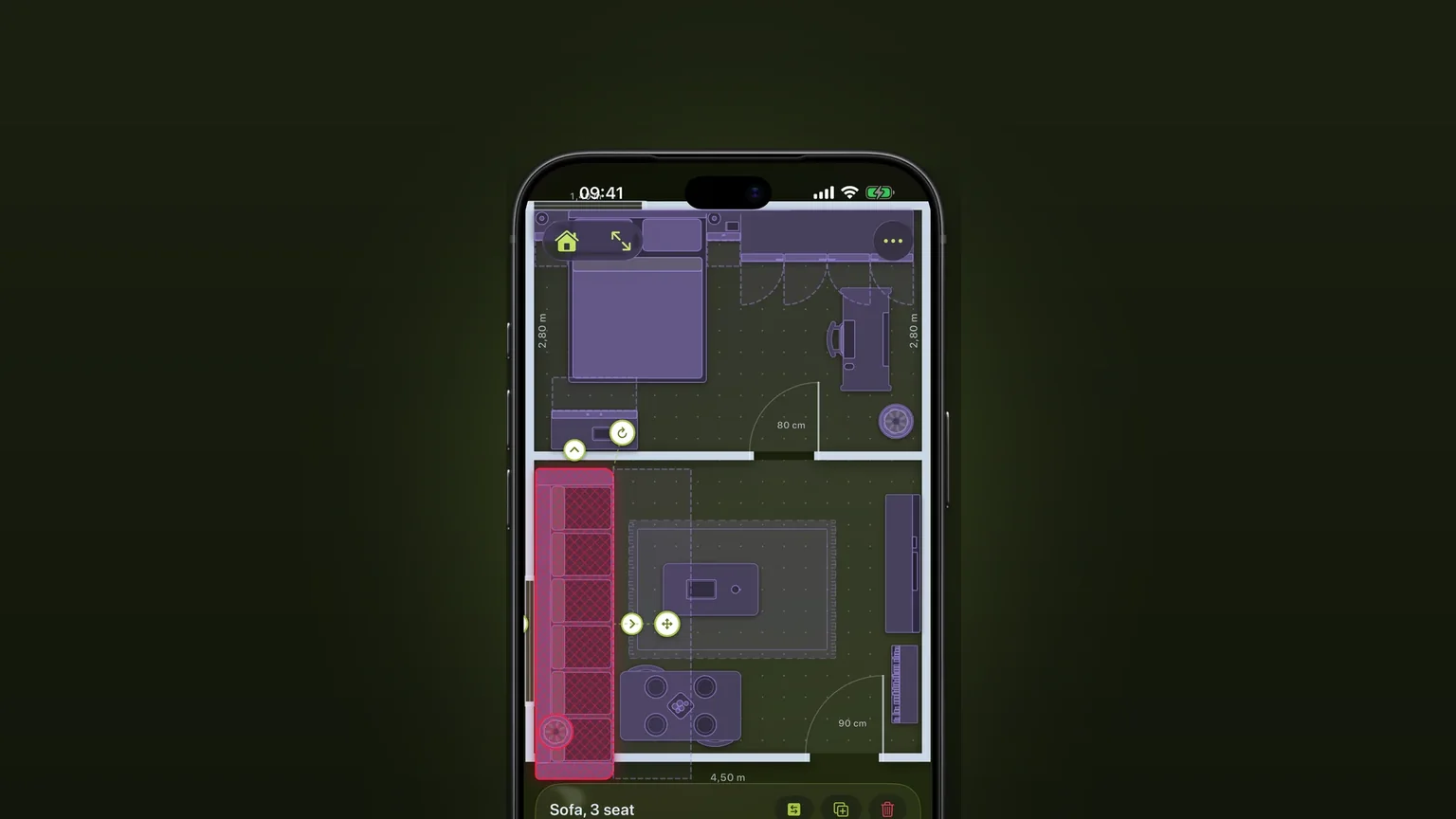
A piece that overlaps another, sticks out of the room or stands where a door or drawer has to open turns red as you move it.
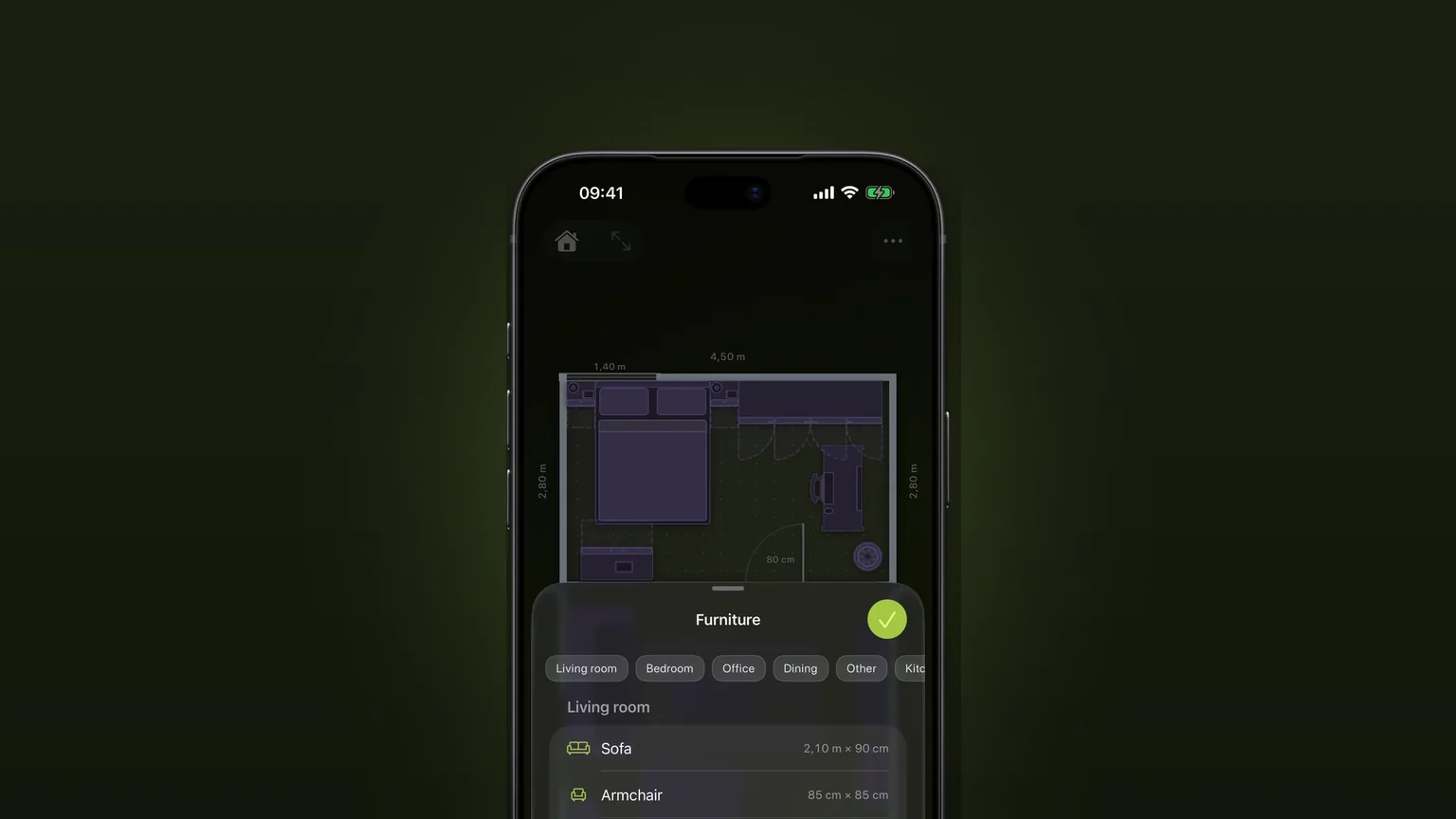
Corner sofas and sofa beds
One L-shaped piece with its own depth on each side, and a sofa bed that pulls out to the corner.
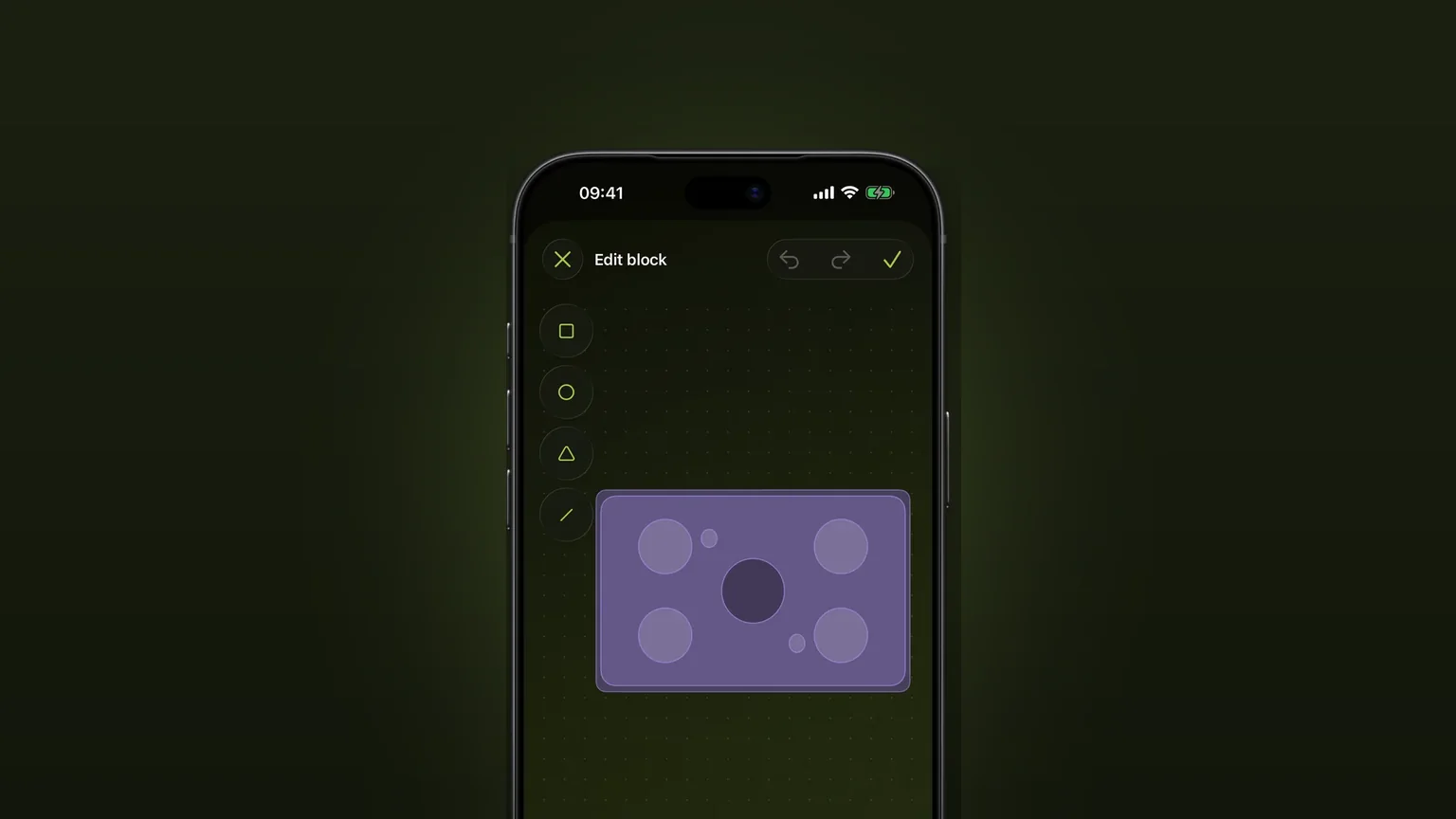
Draw your own furniture, to scale
Draw a piece the catalogue lacks from shapes, type its width, depth and height, and place it in any plan.